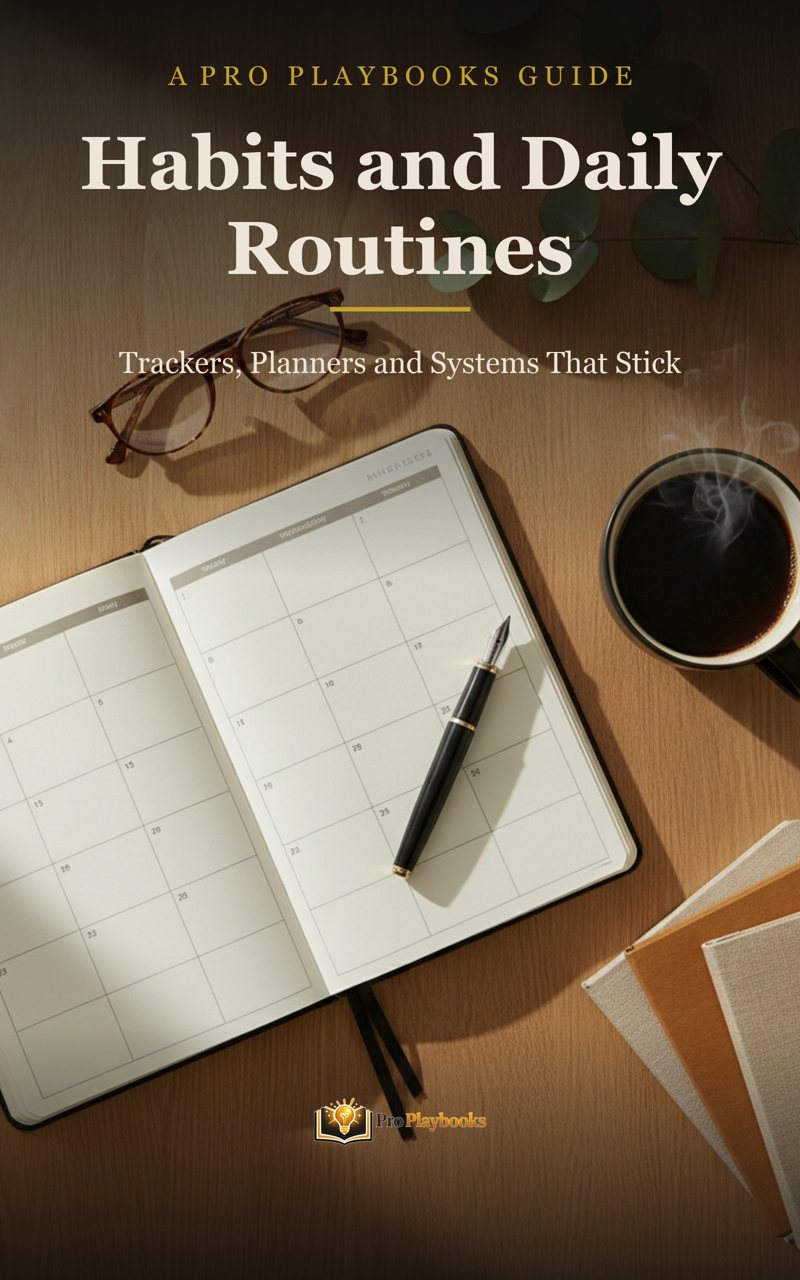
The playbook for this
The Pro Playbook for Habits, Planning, and Daily Routines
Habit trackers, weekly planners and bullet journal systems to put that new tablet to real use.
Get the playbook, £3.99 Kindle or £6.99 PDFIf your desk is buried under half-filled notebooks, loose meeting notes and printouts you annotated once and never found again, an e ink tablet is the tool built for you. These devices combine the feel of writing on paper with searchable, exportable digital notes, and unlike an iPad they do one job without pinging you every four minutes. They are a genuine investment, with the main contenders sitting around £300 to £500, so this guide compares them honestly: writing feel, ecosystems, subscriptions and the trade-offs the marketing pages skip.
The market splits into two camps. reMarkable builds focused writing devices with deliberately limited features. Onyx Boox builds Android tablets with e ink screens that can run apps. Amazon's Kindle Scribe sits between them, and a reusable smart notebook covers anyone who wants digital notes without the outlay. Here is how the five stack up.
The reMarkable 2 is the device that defined this category. It is deliberately minimal: a slim 10.3 inch monochrome tablet whose textured surface and low latency pen are engineered to feel as close to pen on paper as e ink currently gets. There is no app store, no browser worth speaking of and no notifications, which is exactly the point. You write, you organise notebooks, you convert handwriting to text and you export PDFs. That is the product.
The honest caveats: there is no built-in light, so it is unusable in a dark room, and some cloud convenience features sit behind the optional Connect subscription. The Marker pen and folio also push the real cost up, so price the bundle rather than the bare tablet. If you want a distraction-proof writing tool above all else, this is still the benchmark.
Best For: Pure, focused handwritten note taking
View on AmazonThe Note Air 3 is the strongest all-rounder in the Boox range. Like the reMarkable it has a 10.3 inch e ink screen and a stylus included in the box, but underneath it runs Android with access to the Play Store. That changes what the device is: you can install the Kindle app, OneNote, cloud storage apps and third party readers alongside Boox's own capable notes app. It also has a front light with adjustable warmth, so it works in bed and on dark train carriages where the reMarkable goes blank.
The trade-off is complexity. Boox software has far more menus and settings than reMarkable's, and the writing surface feels slightly glassier. If you value flexibility, app support and reading in the dark over the last few percent of paper feel, the Note Air 3 wins the reMarkable vs Boox argument for you.
Best For: Flexibility, apps and reading plus writing
View on AmazonThe Kindle Scribe is Amazon's answer, and it comes at the question from the reading side. It is first and foremost a large, sharp Kindle with an excellent front light, and secondly a notebook. You can write notes on the crisp 10.2 inch screen, annotate documents you send to the device, and jot thoughts directly alongside your Kindle library. For anyone already living inside the Kindle ecosystem, the integration is seamless in a way neither reMarkable nor Boox can match.
Be honest with yourself about the ratio of reading to writing you will do. The notebook features are competent but simpler than reMarkable's or Boox's, and organising many notebooks is more basic. Heavy readers who take moderate notes will love it; heavy note takers who read occasionally should look at the other two first.
Best For: Kindle readers who also take notes
View on AmazonThe Boox Go 10.3 strips the Note Air formula back for portability. It is one of the thinnest and lightest large format e ink tablets available, with a sharp 10.3 inch monochrome screen and the same Android app flexibility as its bigger sibling. Onyx removed the front light to achieve the slim build, which brings the screen surface closer to the pen tip and gives writing a pleasingly direct feel.
Think of it as the Boox for people who were tempted by the reMarkable's minimal hardware but want Android underneath. If you carry your tablet everywhere and mostly work in decent light, the weight saving matters more than the missing light. If you read at night, spend the extra on the Note Air 3.
Best For: Portability with Android flexibility
View on AmazonNot ready to spend several hundred pounds? The Rocketbook Core gets you the core benefit, digitised and searchable notes, for around £30. It is a physical notebook with coated pages you write on using the included erasable pen. The phone app scans your pages and sends them to your chosen destinations, such as cloud storage or email, and when the notebook is full you wipe the pages clean with a damp cloth and start again.
It is not the same experience: you are still writing in one notebook at a time, and the scan step is manual. But as a way to test whether digitised notes actually change how you work before committing £400 to a tablet, it is the obvious first step.
Best For: Digitised notes on a small budget
View on Amazon| Device | Ecosystem | Best For |
|---|---|---|
| reMarkable 2 | Closed, writing first | Focused note taking |
| Boox Note Air 3 | Android + Play Store | Apps, front light, flexibility |
| Kindle Scribe | Amazon Kindle | Readers who take notes |
| Boox Go 10.3 | Android + Play Store | Portability |
| Rocketbook Core | Phone app scanning | Budget digitising |
The other half is knowing what to do with them. Pro Playbooks publishes practical, profession-specific playbooks for UK professionals, from landlords to tradespeople, written for the current market.
Explore Pro PlaybooksEvery brand claims a paper-like experience, but the differences are real. The reMarkable 2 pairs a textured display surface with pen tips designed to drag slightly, producing the most convincing paper sensation in the category. Boox screens feel a touch smoother and glassier, though the Go 10.3's thin construction puts the pen tip close to the surface, which helps accuracy. The Kindle Scribe sits in the middle, smooth but precise. None of them feel like an iPad's slick glass, and all of them are close enough that your handwriting looks like your handwriting.
This is where buyers get caught out. The reMarkable 2 works standalone, but some of its cloud convenience features require the optional Connect subscription, an ongoing cost worth checking before purchase. Boox devices sync through standard cloud services with no subscription, and their Android base means your notes can flow into whatever apps your work already uses. The Kindle Scribe needs no subscription for notes or document annotation, though its world revolves around Amazon's services. If your organisation restricts cloud tools, check which export routes each device supports before spending anything.
Also budget for accessories honestly. A folio case and spare pen tips are near essential on all three tablets, and bundles that include the pen are usually the better buy than the bare device.
Still weighing up whether to leave paper behind at all? Read our honest e ink tablet vs paper notebook comparison first.
If you take a lot of handwritten notes or read for long stretches, yes. The paper like screen is easier on the eyes than a normal tablet and the battery lasts weeks rather than hours. If you mainly watch video or browse, a standard tablet is the better buy.
They overlap heavily. An e ink notebook such as the reMarkable is built around handwriting first, while larger e ink tablets such as the Boox range also run apps and double as e readers. If writing feel matters most, choose a notebook style device. If you want one device for notes and reading, a full e ink tablet is more flexible.
Yes, these are all names for the same thing. Digital paper tablet, electronic paper tablet, paper tablet and e ink notebook all describe a device with an electronic paper screen you write and read on, rather than a backlit LCD tablet. Shops and makers use the terms interchangeably, so search for whichever you prefer and you will land on the same reMarkable, Boox and Kindle Scribe devices we compare here.
The reMarkable 2 is the more focused writing device, with a textured surface designed to feel like pen on paper and almost nothing to distract you. Boox devices run Android, so they can install reading and note apps and sync with more services, at the cost of a busier interface. Choose reMarkable for pure writing, Boox for flexibility.
Boox tablets and the Kindle Scribe work fully without any subscription. The reMarkable 2 works without one too, but some of its cloud convenience features sit behind the optional Connect subscription, so factor that into the total cost if you want everything it offers.
If you fill notebooks with meeting notes, site notes or ideas and then struggle to find anything again, yes. An e ink tablet keeps every notebook in one searchable device, converts handwriting to text, and exports notes as PDFs. If you only jot the occasional list, a paper notebook remains the cheaper answer.
Not on the reMarkable 2, which has no app store and reads only PDF and ePub files you load yourself. Boox tablets run Android, so the Kindle app can be installed alongside other reading apps. The Kindle Scribe is built around the Kindle store natively.
A reusable smart notebook such as the Rocketbook Core. You write with an erasable pen, scan pages with the phone app to send them to cloud storage or email, then wipe the pages clean with a damp cloth and reuse the notebook. It costs a fraction of an e ink tablet.
Last updated: 22 September 2026. Prices and availability may vary. Amazon links are affiliate links.
The playbook for this
Habit trackers, weekly planners and bullet journal systems to put that new tablet to real use.
Get the playbook, £3.99 Kindle or £6.99 PDF